
Laptop and computer repair in Vilnius
A laptop and desktop repair shop in Šeškinė and Lentvaris. We fix MacBook, Lenovo, HP, Dell, Asus, Acer and custom-built PCs: screens, keyboards, batteries, cooling, drives and logic boards. Your computer is opened in our own workshop, not sent away.
- €15.90
- diagnostics, deducted from the repair
- from 3 months
- written warranty on every repair
- 2 workshops
- Šeškinė and Lentvaris, no appointment
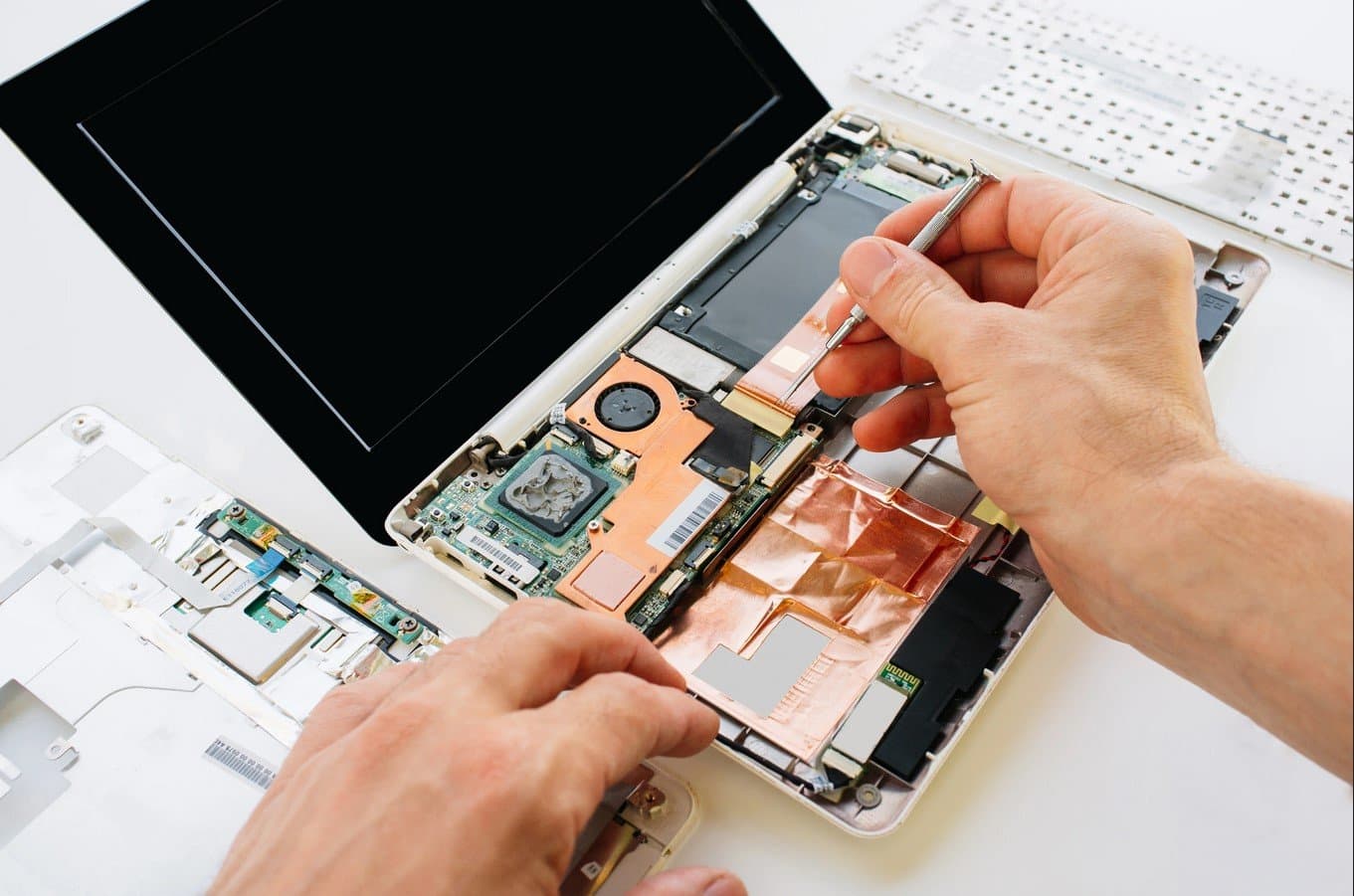
What actually breaks inside a laptop
Almost every fault a laptop is brought in with comes from one of six assemblies. Knowing which one is at fault also makes the price easier to understand.
Screen and display cable
A cracked panel, lines or flicker. Flicker that changes as you move the lid usually means a worn cable at the hinge, not the screen itself.
Repair from €79
Keyboard and trackpad
After a spill a row of keys stops working or several letters type at once. On many thin models the keyboard is replaced together with the top case.
Repair from €45
Battery and power
A battery wears out over a few hundred charge cycles. A swollen battery lifts the trackpad and bends the case — do not charge a laptop in that state.
Repair from €55
Cooling
Dust in the heatsink and dried-out thermal paste. The processor runs hot and throttles, so the laptop slows down and roars with a single browser open.
Repair from €25
Drive and memory
An old HDD instead of an SSD is the most common reason a computer is slow. A failing drive starts to freeze, and eventually the system stops booting.
Repair from €25
Logic board
Power circuit, graphics chip, charging controller. We repair at component level with a soldering station rather than swapping the whole board.
Repair from €119
Common computer faults
From the outside different faults look alike: the computer will not start or barely moves. Here is what we usually find once it is open, and where the price starts.
What we usually find
- A failed charger, or a failed power supply in a desktop
- A fully drained or dead battery
- A power circuit fault on the logic board
- A short circuit after a spill
What we usually find
- An old HDD — after switching to an SSD the computer starts several times faster
- Too little memory for today’s software
- Overheating: the processor throttles to protect itself
- A full drive and dozens of programs launching at startup
What we usually find
- A layer of dust in the heatsink blocking the airflow
- Dried-out thermal paste between the processor and the cooler
- A worn or stuck fan
- Blocked vents — the laptop is used on a bed or a cushion
What we usually find
- A failed display panel
- A worn display cable at the hinge
- A graphics chip fault — we check this with an external monitor
- A failed backlight: the picture is there but barely visible
What we usually find
- Liquid under the keyboard — even once dry it leaves oxide on the contacts
- A loose or damaged keyboard cable
- A worn membrane under the most-used keys
What we usually find
- A worn battery — the system reports low capacity or suggests a replacement
- A failed charger or cable
- A loose charging port
- A charging controller fault on the board
What we usually find
- Corrosion on the board — it starts within hours
- A short circuit in the power circuit
- A damaged keyboard and trackpad
What we usually find
- Corrupted system files after an interrupted update
- A drive that is starting to fail
- A memory fault
- An incompatible driver or malware
What we usually find
- Oxidised memory contacts
- A graphics card fault
- A weakening power supply that can no longer handle the load
Computer will not start and there are important files inside? That is a separate job — data recovery.
Computer repair prices
Prices start from the figures below. We name the exact amount after diagnostics, once the computer is open and the fault confirmed, and we agree it with you before any work begins.
| Work | From |
|---|---|
| Diagnostics (deducted from the repair price) | €15.90 |
| Operating system install and data transfer | €25 |
| Virus and junk software removal | €25 |
| Memory (RAM) upgrade | €25 |
| Cooling system clean and thermal paste replacement | €25 |
| SSD fitted in place of an HDD | €35 |
| Power supply replacement | €39 |
| Keyboard replacement | €45 |
| Battery replacement | €55 |
| Liquid damage treatment | €59 |
| Screen replacement | €79 |
| Logic board repair and soldering | €119 |
If we carry out the repair, the diagnostic fee comes off the final price. If you decide against it, you pay for diagnostics only and take the computer home.
Computer servicing and upgrades
Many computers brought in as “broken” are not broken at all — they are tired. Dust, dried thermal paste and an old drive slow things down so gradually that you get used to it, until one day the computer starts shutting itself off.
Why a computer slows down when nothing is broken
A laptop heatsink is a gap a few millimetres wide, and dust fills it within a year or two. To avoid overheating the processor lowers its clock speed — and the same computer runs at half pace. The other usual suspect is an HDD: with one, even a fresh Windows install takes minutes to boot.
What a service covers
- We open the computer and clean the heatsink and fan
- Thermal paste is replaced on the processor and graphics chip
- The drive is checked, and we warn you if it is starting to fail
- An HDD is swapped for an SSD with all data moved across
- Memory is upgraded where the model allows it
- Programs that launch at startup are cleared out
How often it is worth doing
A laptop usually needs its cooling cleaned every couple of years; more often with pets at home or if it is used for gaming. The sign it is time: the fan roars with just a browser open and the area above the keyboard is hot.
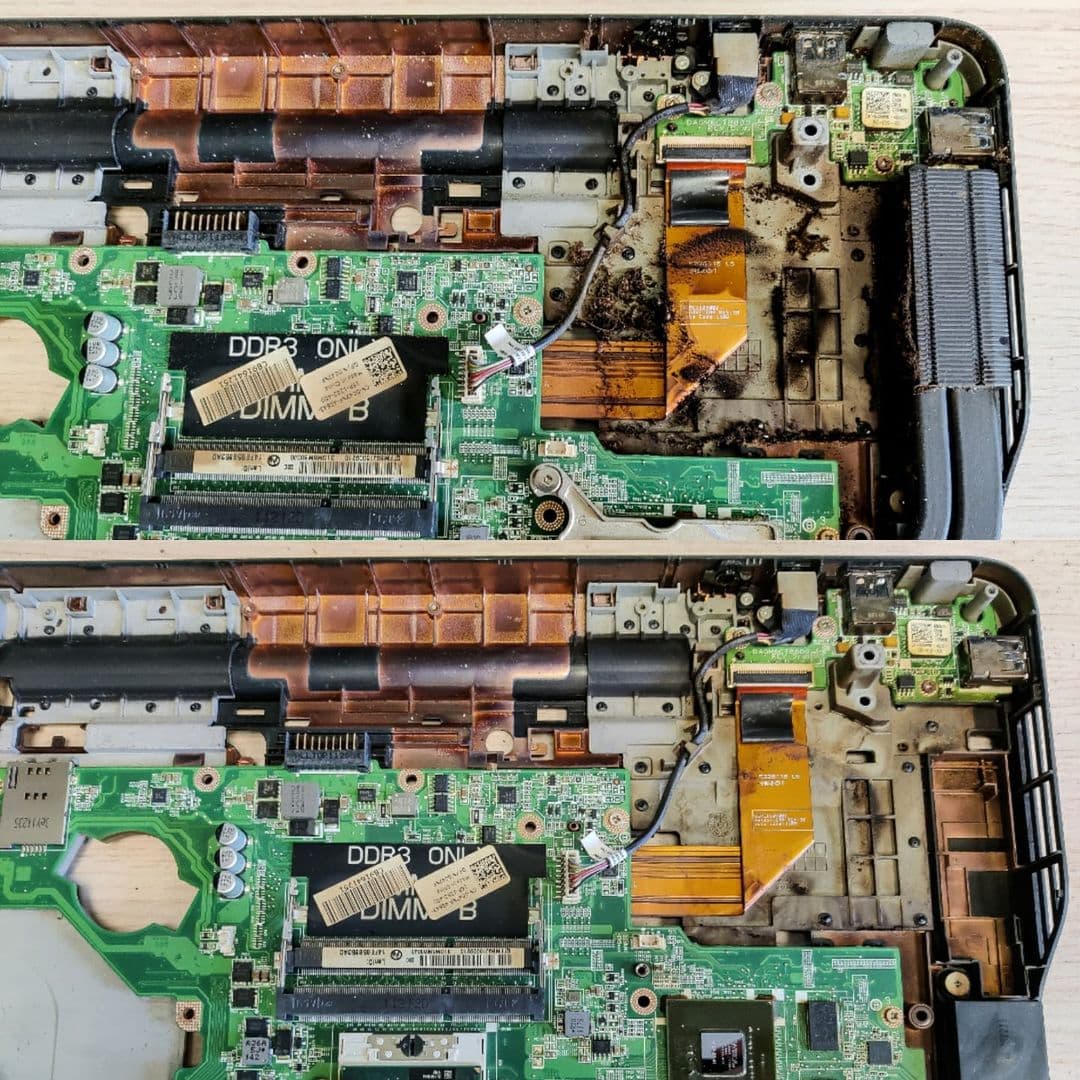
Brands we repair
Laptops fail in similar ways but differ in what can be replaced. In some the memory sits in a slot, in others it is soldered to the board — which decides what can be upgraded and what a repair costs.
Apple MacBook and iMac
MacBook Air and Pro with M1–M4 and Intel chips, iMac, Mac mini
On Apple Silicon machines memory and SSD are soldered to the board: they cannot be upgraded, and a board fault also puts the data at risk. The battery is glued to the case.
Lenovo
ThinkPad, IdeaPad, Yoga, Legion, ThinkCentre
ThinkPads are built to be serviced: most have replaceable memory and some a second drive bay. In the IdeaPad range some models have soldered memory, so we check the exact model before you buy a module.
HP
Pavilion, Envy, ProBook, EliteBook, Victus, Omen
Pavilion and Envy often come in with broken hinge mounts — not the hinges themselves but the plastic in the case they screw into. Gaming Victus and Omen models clog with dust quickly and run hot.
Dell
Inspiron, Latitude, Vostro, XPS, Alienware
Business models such as Latitude and Vostro are easy to open and parts are available. The XPS keyboard is part of the top case, so replacing it costs more than on a typical laptop.
Asus and Acer
ZenBook, VivoBook, ROG, TUF, Aspire, Swift, Nitro, Predator
Budget models still turn up with an HDD or slow built-in storage — an SSD makes the biggest difference for the least money. Gaming ROG, TUF and Nitro machines need their cooling cleaned regularly.
Desktop computers
Custom-built PCs, workstations, office and gaming PCs
A desktop is the easiest to upgrade: the drive, memory, power supply or graphics card can all be swapped. The most common faults are a weakening power supply and dust.
We also repair Microsoft Surface, Samsung Galaxy Book, MSI, Huawei MateBook and others. MacBook repair and prices by model · Desktop computer repair
What the on-screen messages actually mean
The message on screen shows the symptom, not the cause. Below are the cases we see most often and what we find behind them.
- “Automatic Repair couldn’t repair your PC”
Windows
What we find: Corrupted boot files or a drive that is starting to fail. We check the drive before restoring the system — otherwise the problem returns within a week.
- “No bootable device” or “Operating system not found”
Windows, BIOS
What we find: The computer cannot see its drive: it has failed, come loose, or the boot settings have changed. The data is often intact and can be moved.
- Blue screen “Your PC ran into a problem”
Windows
What we find: The stop code under the message tells you more than the message itself: MEMORY_MANAGEMENT usually points to memory, other codes to drivers or the drive.
- “CPU Fan Error” at startup
BIOS
What we find: The fan is not spinning or spins too slowly — clogged with dust or worn out. The computer should not be used until the cooling is fixed.
- Flashing folder with a question mark
MacBook, iMac
What we find: The Mac cannot find its system drive. Sometimes reinstalling macOS is enough, sometimes the drive or its cable is at fault.
- “Service Recommended” or “Consider replacing your battery”
macOS, Windows
What we find: Battery capacity has dropped far enough that the system itself suggests a replacement. The computer may shut off even while showing tens of percent.
How a repair works
Every computer is taken in the same way — no appointment, and no work we have not agreed on.
Bring the computer in
To Šeškinė or Lentvaris, no appointment needed. Bring the charger too — some faults hide in it.
Diagnostics
We open it up and find the cause. Diagnostics cost €15.90 and are deducted from the repair.
We agree the price
We tell you what has failed and what it will cost. Work starts only once you agree.
Repair and testing
We replace the part and check temperatures, battery, keyboard and ports before handing it back.
Collect it with a warranty
Every repair comes with a written warranty of at least 3 months.
Where to bring your computer in Vilnius
Both workshops accept repairs, no appointment needed.
Bring your computer to the nearest workshop
Diagnostics cost €15.90 and are deducted from the repair price. No appointment needed.
EFIX is rated 4.7 on Google from 522 reviews.