
How to extend phone battery life?
How to extend phone battery life? In today's world, the smartphone has become an integral part of our lives. However, we often face a problem - the battery life decreases faster than we would like. It is important to understand the difference between "battery life" (how long it lasts on a single charge) and "battery life" (total battery life). Our work
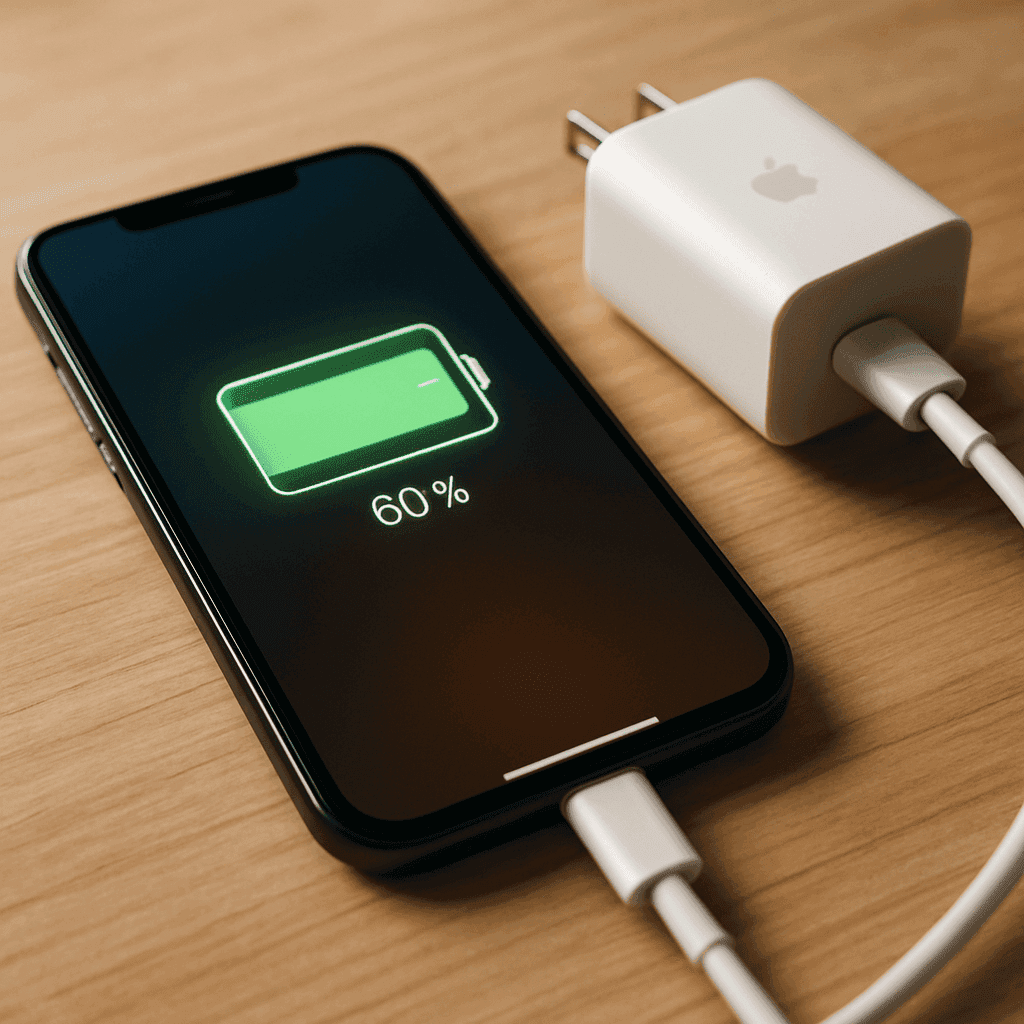
How to extend phone battery life?
In today's world, the smartphone has become an integral part of our lives. However, we often face a problem - the battery life decreases faster than we would like. It is important to understand the difference between "battery life" (how long it lasts on a single charge) and "battery life" (total battery life). Our daily habits directly affect the phone battery
In this article, you will learn the main recommendations on how to properly care for your phone battery, what are the best charging practices, how screen settings and environmental conditions affect battery health, and when it is time to replace the battery with a new one.
Best Charging Practices
Charging your phone correctly is one of the most important factors in determining battery longevity. Most modern phones use lithium-ion batteries, which have specific maintenance rules.
Lithium-ion batteries are damaged by full charge cycles from 0% to 100%. The ideal battery state is between 20% and 80% charge level. Try not to let the battery drain completely, and don't always charge it to full capacity. Regularly charging in smaller amounts is much more beneficial than allowing the battery to completely discharge and then fully charge it again.
It is important to use quality, reliable chargers. Although it is not always necessary to use only original accessories, it is worth choosing certified chargers that meet the manufacturer's recommendations. Cheap, low-quality chargers may not properly regulate the current and thus damage the battery cells.
Myths about overnight charging and fast charging
Many people believe that leaving the phone charged all night is bad for the battery. Modern phones have special protection systems that stop the power supply when the battery reaches 100%. However, long-term storage in a fully charged state still slightly accelerates the natural aging of the battery. Therefore, it is best to charge your phone before going to bed and disconnect it from the charger before going to sleep, or nau
Another common myth is that fast charging is always bad for the battery. Modern fast charging solutions are designed for safe use. The problem only occurs when the phone gets very hot while charging. High temperatures really accelerate battery degradation. Therefore, when charging your phone, especially when using fast charging technologies, try not to overload the device
The old myth that the battery "must be completely discharged" before charging is outdated and does not apply to modern lithium-ion batteries. On the contrary, this practice only accelerates battery wear.
Screen settings and usage habits
The screen is one of the biggest power consumers on the phone, so its settings directly affect not only daily battery life, but also long-term battery health. The more power used, the more charge cycles are required, which eventually reduces the battery's capacity.
Brightness level is one of the main factors of energy consumption. Maximum screen brightness uses significantly more power than medium or lower. Automatic brightness adjustment can help save energy, but sometimes the system sets a higher brightness than is actually needed. Therefore, it is worth manually reducing the brightness to a comfortable level.
For phones with AMOLED or OLED screens, dark mode can significantly reduce power consumption. In this type of display, the black color effectively turns off the corresponding pixels, so they do not use energy. Light backgrounds with dark letters use much more power.
Effective use of power saving features
Modern phones are equipped with various power saving features. On Android phones, you can enable power saving mode, which limits the activity of applications in the background, reduces the screen resolution or refresh rate. On iPhone devices, you can use Low Power Mode, which reduces visual effects and limits background processes.
Adaptive features, such as adaptive screen refresh rate in newer models, automatically reduce the screen refresh rate when not necessary, saving power. It's also worth turning off animations and transition effects that use extra CPU power.
Regularly deleting unnecessary apps and updating your phone also helps optimize battery usage, as newer versions of operating systems often have improved power management features.
Managing connectivity and background functions
Wireless functions - WiFi, Bluetooth, GPS, mobile data - are some of the biggest power users on your phone. Disabling these features when not in use can significantly extend battery life.
GPS is a particularly power-intensive function. If you are not using navigation or other location services, it is recommended to turn off GPS. It's also worth limiting which apps are allowed to use location services - many apps use them without any real need.
Contrary to popular belief, WiFi uses less energy than mobile data, especially in areas with weak mobile signal. If you have access to WiFi, this can be a more energy-efficient option than mobile data.
Running apps in the background can significantly drain your battery. While previous practice recommended manually closing all apps, modern Android and iOS devices effectively manage background app activity. In fact, constantly closing and reopening apps can use more power than letting the system handle the process on its own.
It's a good idea to see which apps use the most battery and limit their background activity. For example, social networking apps constantly refresh in the background and send notifications even when you're not actively using them. You can change the settings of these apps or completely disable their background update.
Environmental conditions and battery care
Temperature is one of the most important factors determining battery life. Lithium-ion batteries work best at room temperature (15-25°C). Extreme heat or cold can significantly reduce battery life and capacity.
Avoid leaving the phone in heat, such as in a car on a sunny day or in direct sunlight. Heat is especially harmful to the battery - it can cause chemical reactions that permanently damage the battery cells. Cold also temporarily reduces battery capacity, although it usually does not cause long-term damage.
It is important to keep your phone clean, especially the vents and connectors. Accumulated dust and dirt can interfere with heat dissipation and cause overheating. Clean your phone regularly with a soft, dry cloth and the connectors with a soft brush or compressed air.
Periodically check the battery for swelling or damage. Physical changes to the battery, such as swelling or deformation, are serious indications that the battery needs to be replaced immediately. Continued use of such a battery can be dangerous.
When to replace your battery or device
The average battery life of a modern smartphone is about 2-3 years, during which the battery retains about 80% of its original capacity. After this time, battery degradation usually becomes noticeable and can start to interfere with daily use.
The main signs that your battery is dead:
the phone drains much faster than before
the battery level drops sharply, especially when it reaches about 30-20%
the phone turns off unexpectedly, even when the battery level indicator shows that there is still power
the phone heats up even without intensive applications
there is a noticeable physical swelling of the battery (the back of the phone no longer closes flat or the screen protrudes)
The batteries of many modern phones can be replaced by a professional service. This is often more cost-effective than buying a new phone. However, if your phone is already old and has other issues, sometimes it makes more sense to invest in a new device with better battery technology and more efficient power management.
When choosing a new phone, pay attention to battery capacity (mAh), power management optimizations, and feedback on actual battery life. A higher mAh number does not always guarantee longer performance if the other components are not energy efficient.
Conclusions
Phone battery life can be significantly extended by daily care habits. The most important recommendations:
try to keep the battery charge level between 20% and 80%
avoid extreme temperatures, especially heat
use quality chargers and accessories
reduce the screen brightness and use dark mode if possible
turn off unnecessary wireless functions
update the operating system regularly
monitor which applications use the most energy and limit their operation
Proper battery maintenance will allow your phone to last longer without a significant decrease in battery life. In the long run, this will not only save you money, but also reduce e-waste, contributing to more sustainable consumption.
Frequently Asked Questions (FAQ)
How often should I charge my phone to extend battery life?
Charge the phone when the battery level reaches about 20-30% and disconnect when it reaches 80-90%. Avoid letting the battery discharge completely or continuously charging it to 100%.
Does charging the phone overnight harm the battery?
No, most modern phones have management chips that prevent overcharging, but keeping the battery at 100% charge all the time can slightly accelerate its long-term wear and tear.
Does fast charging shorten phone battery life?
Usually not - as long as you use certified chargers and your phone doesn't overheat. However, frequent extreme heat really accelerates the aging of the battery.
Are background apps draining battery even when not in use?
Modern operating systems manage most background tasks effectively; manually closing apps is often not necessary and can sometimes use more power.
How do I know if my battery needs to be replaced?
If your phone drains much faster than before, shuts down unexpectedly, or shows physical swelling or overheating, it's time to replace the battery.