
Why the phone camera does not focus - mechanical or software failure?
Why the phone camera does not focus - mechanical or software failure? The phone camera is a tool that has become an integral part of our everyday life. We photograph everything: from important life moments to everyday moments. But what do you do when your phone camera suddenly stops focusing properly? Blurry images and blurred shots can ruin important moments. Find out in this article
Why the phone camera does not focus - mechanical or software failure?
Phone camera is a tool that has become an integral part of our daily life. We photograph everything: from important life moments to everyday moments. But what do you do when your phone camera suddenly stops focusing properly? Blurry images and blurred shots can ruin important moments. In this article, we will find out why the phone camera sometimes does not focus and how to tell if it is
The most common reasons why the phone camera does not focus
Camera focusing problems are quite common among smartphone users. Although at first glance it may seem that the phone's camera simply does not want to focus, there are often various reasons behind this, which can be divided into several categories.
Physical causes:
a dirty or scratched lens is one of the most common causes
dust and fingerprints that create a blurring effect
moisture on the lens after being in a humid environment
small cracks in the glass that may not be visible to the naked eye
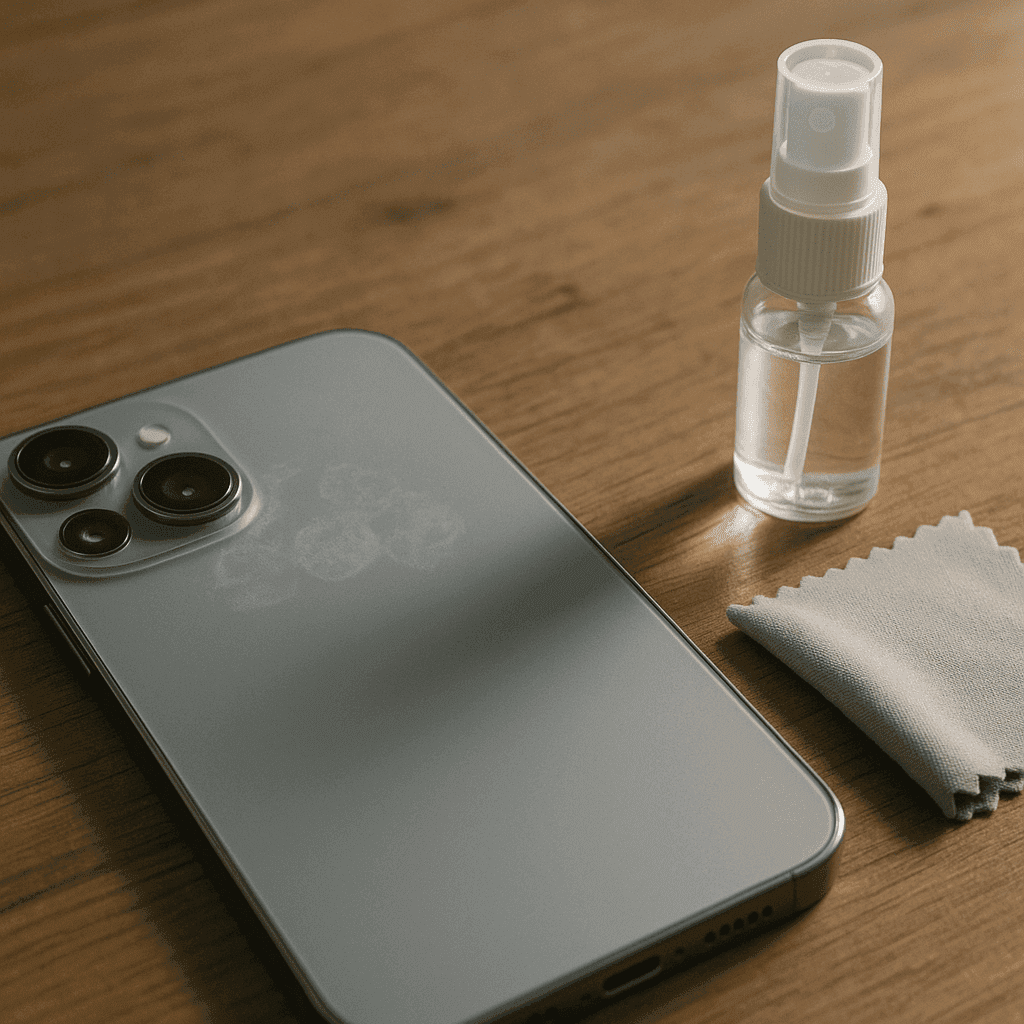
Cleaning the lens is the first step in solving a focusing problem. Use a microfiber cloth and a special cleaner (medical spirit can also be used) to gently clean the lens. Never use paper towels or a cloth that could scratch the sensitive glass.
Software problems:
Camera app malfunctions
System updates that caused incompatibility
Wrong camera software settings
App permissions that do not give full access to camera functions
Environment and shooting conditions:
Poor lighting situation
Insufficient contrast between subject and background
Subject too close or too far
Moving subjects that are difficult to capture
Other causes:
Dropped phone, which may have shifted the lens elements
Magnetic cases, which may interfere with autofocus
Overheated phone, which may cause some functions to fail
Warning signs to look out for: If images are always blurry, regardless of the circumstances, this may indicate a mechanical failure. If the focus problem only occurs under certain conditions, it's likely more related to the software or shooting conditions.
How to distinguish a mechanical failure from a software error
Focusing problems can occur for two main reasons: hardware (mechanical) or software failures. Understanding what type of problem you are dealing with will help you solve it effectively.
Here's a step-by-step checklist to help you determine if your phone's autofocus isn't working due to a hardware or software failure:
Signs of a mechanical failure:
Visible physical damage to the camera or phone
A rattling sound you hear when the phone is moving (may indicate a loose lens)
The camera does not physically move when you try to focus
The focus problem persists in all apps that use the camera
The lens is visible damage (cracks, scratches)
the phone has recently been dropped or soaked
Signs of a software failure:
focus works intermittently
after restarting the phone the camera works better for a while
the camera works in some apps but not in others
after a system update or factory reset, the problem is solved
the problems appeared immediately after the software update
Phone repair specialists recommend that you do not open the phone yourself if you suspect a mechanical failure. According to Tom, a technician at Phone Masters, "Today's phone cameras are complex systems with many small details. Trying to fix a mechanical failure on your own often results in even more damage and more expensive repairs."
Here are some simple tests:
reboot your phone and see if the problem persists
try alternative camera apps
try to focus on objects at different distances
compare the front and back cameras - do both have focus problems?
boot your phone in safe mode to rule out third-party app conflict
Please note that it is not recommended to root your phone yourself unless you have the necessary skills and knowledge. This can not only make things worse, but also void the manufacturer's warranty.
How to Fix Phone Camera Focus Problems - Step by Step
If you encounter camera focus problems, it's a good idea to try to fix them yourself before calling in a professional. Below is a step-by-step guide on how you can diagnose and potentially fix the most common focus problems.
1. Cleaning the lens
use a microfiber cloth (not paper tissue)
clean the lens gently without pressing too hard
if there are stains, use a special lens cleaner or a small amount of medical alcohol
let the lens dry completely before trying to take pictures
2. Rebooting the phone and closing apps
close the camera app completely (not just minimize)
reboot the phone by pressing the power button
check that there are no apps running in the background that use the camera
3. Checking the camera settings
try the manual focus mode if it is available
check that the macro mode is not enabled when you are trying to take pictures of distant objects
turn the auto focus function off and on again
try to lock the focus by touching and holding the screen
4. Software update
check for operating system updates
update the camera app to the latest version
if the problems started after the update, check for fixes or rollback
as a last resort, consider doing a factory reset (backup your data first)
5. Removing phone accessories
temporarily remove the phone case
remove any what lens accessories or films
make sure there is no protective film residue on the lens
6. Testing the camera in safe mode
turn on the phone in safe mode (different phone models may have different ways to turn on)
test the camera - if it works normally, the problem may be related to a third-party app
If the camera still won't focus after trying all of these focus troubleshooting methods, it's likely that you're dealing with a hardware failure, especially if you're experiencing the following symptoms: photos are always blurry, you're hearing strange noises when using the camera, or the problem occurred after the phone was dropped. In this case, it is recommended to contact a professional phone repair service.
When to contact a specialist for phone camera repair
Not all problems can be solved on your own, so it is important to know when you need professional help. Phone repairs may be necessary when the problem is more complex than a simple software glitch.
Warning signs that indicate the need to seek professional help:
persistent blurring after trying all of the above solutions
physically cracked or scratched lens
phone showing autofocus error messages
camera stopped working properly after contact with water
camera started malfunctioning after phone was dropped or bumped
unusual noises are heard when trying to focus the image
Self-destruction of the phone and attempting to repair mechanical problems carries serious risks. Mishandling the phone can:
void the manufacturer's warranty
damage sensitive internal components
completely damage the camera or other phone functions
cause additional problems, the repair of which will be even more expensive
What to expect when contacting a repair shop:
specialists will perform detailed diagnostics and determine the exact cause of the failure
You will receive information about the necessary parts and their availability
you will be informed about possible repair prices (replacing the camera module can cost from 50 to 150 euros, depending on the phone model)
repair time can vary from several hours to several days, depending on the complexity of the fault and the availability of parts
Tips for choosing a reliable repair service provider:
look at customer reviews and ratings
check whether the workshop has certificates and permits
ask about the warranty provided for the performed work for repairs
ask if original parts are used
clarify all prices in advance to avoid unpleasant surprises
The advantage of professional camera repair services is that professionals have the necessary tools, knowledge and experience to properly diagnose and solve complex problems. While some simple problems can be solved on your own, more serious problems require professional intervention to ensure the longevity of your phone and optimal camera performance.
Conclusions
Phone camera focus problems can occur for a variety of reasons, from simple software glitches to complex mechanical failures. It is important to be able to distinguish between these malfunctions, as this helps determine whether you can fix the problem yourself or whether you need to call in professionals.
It is worth trying simple solutions first: cleaning the lens, rebooting the phone, updating the software and checking the settings. These steps often solve most software-related problems. However, if the focusing problem persists after all attempts, especially if there are signs of physical damage, it is necessary to consult a professional.
Remember that improperly trying to fix mechanical problems on your own can cause even more damage to your phone. Investing in professional repair services can save you money in the long run and ensure your phone's camera is working optimally again.
Preventive maintenance is also important - clean the lens regularly, use a protective case and try to protect the phone from drops and moisture. These simple steps can help prevent many common camera malfunctions.
Frequently Asked Questions (FAQ)
Why does my phone's camera always appear blurry, even after cleaning the lens?
Persistent blur that persists after cleaning usually indicates a mechanical failure, such as a damaged focus mechanism or an internally displaced lens element. In such cases, professional diagnostics is recommended.
How can I determine if my phone's camera problem is hardware or software in nature?
Check if the problem occurs in all apps and after rebooting the phone. If the problem only persists with some apps or gets better after a reboot, it's likely a software glitch. Persistent problems in all situations are more likely to indicate a hardware failure.
Will factory reset fix camera focus issues?
Factory reset can fix software-related errors, but won't help if the problem is mechanical in nature. Be sure to back up your important data before doing a factory reset.
Is it safe to try to fix the focus problem myself?
You can safely clean the lens and update the software, but cracking the phone is risky and may void your warranty. Entrust the repair of mechanical faults to professionals.
Can a phone case cause focus problems?
Yes, magnetic or bulky cases can sometimes interfere with focusing. Test the camera with the case removed to make sure this is not the cause of the problem.